Common mistakes using network cable tester UK: UK Practical Guide
The most common mistakes using network cable tester UK setups are testing live links, misreading open/short/cross results, mixing unit types or remote pairings, and treating a continuity-class check as proof of full network performance. Damaged or poorly connected cables can cause downtime, sluggish transfers, or a wider network failure, so a careful, powered-down workflow matters before you blame switches, Wi‑Fi, or PCs.
Symptom → likely cause
When a link is slow, intermittent, or dead, the fault is often the cable path rather than the endpoint. Common network cable tester faults UK users see map to a short list of wiring problems:
- No link or one-way failure: open conductor, incomplete termination, or a remote not seated.
- Intermittent drops: damaged sheath, crushed pairs, or a connector that only makes contact when the cable is flexed.
- Wrong devices talking, or odd VLAN-style behaviour on a simple LAN: crossed or miswired pairs rather than a “mystery” switch setting.
- Pass on the tester, fail in service: the run may be continuous but still unsuitable for the job (length, damage, or category expectations beyond a simple wiring check).
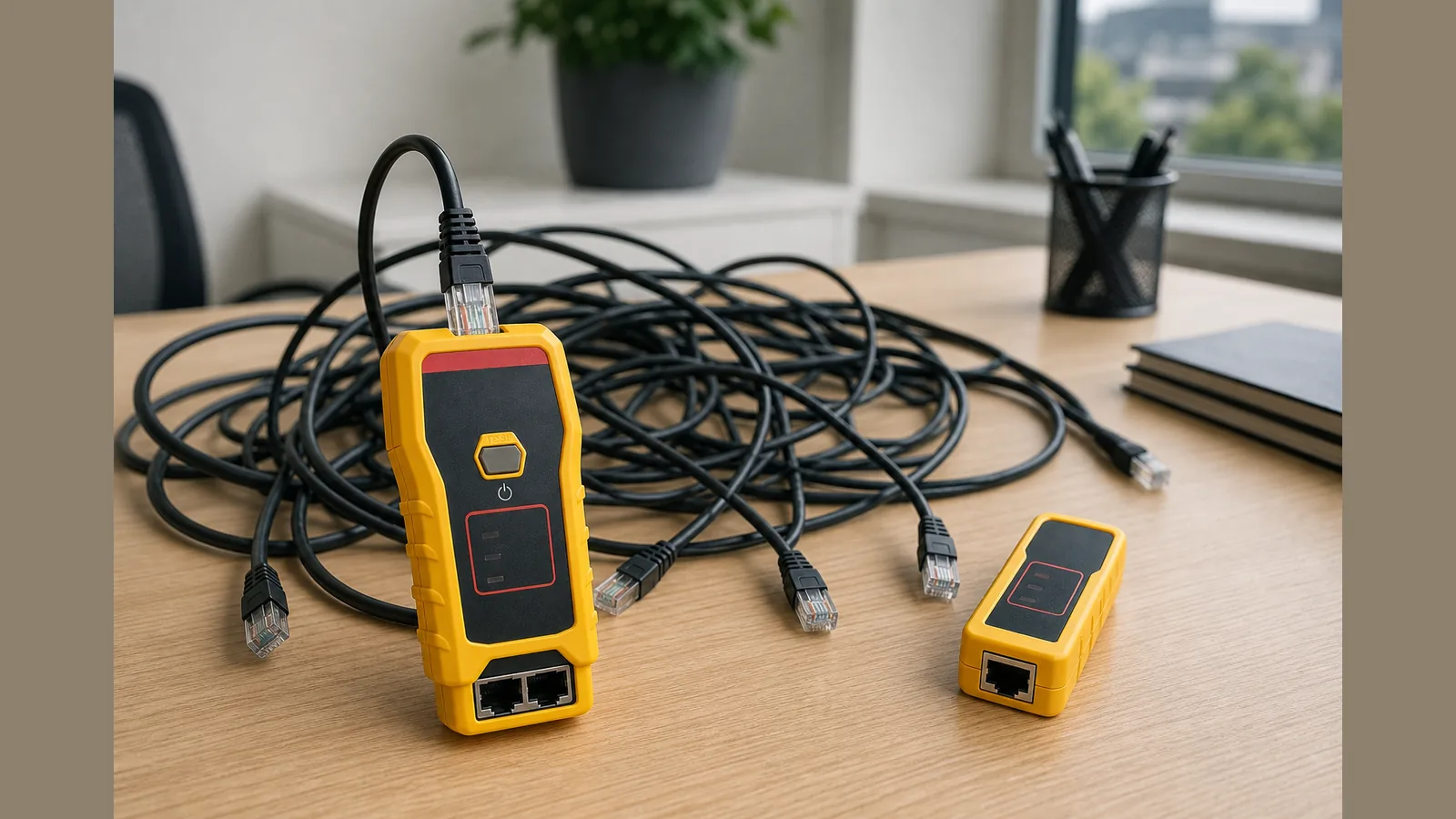
A typical network cable tester workflow is to connect each end to the tester ports, run the check, and read whether the wiring is correct—or whether opens, shorts, or crossed wires are present. That confirms pin-to-pin continuity and pair mapping; it does not by itself certify category performance or live-network behaviour.
Safe stop criteria
Stop and rethink before you press “test” if any of the following apply:
- The cable may still be live. It is generally not recommended to use a standard cable tester on a live network cable, because that can damage the tester or connected equipment. Only use a live-capable instrument if you have confirmed it is designed for that use.
- You cannot isolate both ends. If one end is still patched into a switch, PoE injector, or wall plate feeding active gear, do not treat a standard continuity test as safe.
- Results keep changing when you move the cable. That points to a mechanical fault; further “passes” on a static bench test can give false confidence.
- You need length maps, PoE validation, or Cat6A-style certification. Continuity-class tools are not a substitute for those specialised checks—do not stretch the reading beyond opens, shorts, and wiring order.
What users can check
Before buying or blaming kit, work through these practical checks to avoid mixed unit mistakes network cable tester owners often make:
- Power down and unpatch. Remove the cable from switches, routers, and NICs so both ends are free.
- Match main unit and remote. Use the remote that belongs with the tester; mixing remotes from different kits can produce confusing or invalid patterns.
- Seat both ends fully. Partial RJ45 insertion looks like opens or intermittent faults.
- Run the wiring check once, then reseat and repeat. Consistent opens/shorts/crosses are useful; one odd reading after a poor click is not.
- Note which pin or pair fails. That guides re-termination; guessing “Cat” upgrades will not fix a crossed pair.
- Keep buying criteria honest. Mistakes buying network cable tester UK shoppers repeat include assuming every tester measures length or certifies category, and overlooking whether a remote is included for two-ended checks.
For a LAN continuity check with a remote, a Klein Tools VDV526-100 network cable tester with remote is one continuity-class option aimed at confirming wiring integrity rather than live-link or certification work.
When to get support
Escalate when the fault sits outside a safe DIY wiring check:
- You cannot take the segment offline without affecting critical services.
- You suspect PoE or other powered infrastructure and lack a verified live-safe method.
- The cable passes a simple wiring test but the application still fails—structured-cabling or network support may need tools beyond continuity.
- Connectors, panels, or switch ports show physical damage.
Retail purchases through this storefront are covered by the site’s standard 12-month retailer warranty policy; that is separate from any brand warranty claims, which are not asserted here.
Next step
If you need a straightforward LAN continuity check with a remote for UK patch and premises cables, review the Klein Tools VDV526-100 cable tester product details and confirm the kit matches your two-ended testing workflow before you order.
FAQ
Can I test a cable while it is still plugged into a switch?
Usually no. Standard cable testers are generally not recommended on live network cables because of the risk to the tester and the network equipment. Isolate the cable first unless you are using a specialised live-capable instrument that you have verified for that task.
What faults can a basic network cable tester show?
After you connect both ends and run a test, a continuity-class checker is used to confirm correct wiring and to help identify faults such as opens, shorts, or crossed wires. It does not replace category certification or prove application performance on its own.
Why do damaged cables matter if devices sometimes still link?
Cables that are damaged or not connected properly can cause costly downtime, sluggish data transfers, and even wider network failure. A partial link is not proof the path is healthy.
What buying mistake should UK users avoid?
Avoid assuming every network cable tester offers length mapping, PoE checks, or Cat6A certification. Match the tool to continuity and wiring verification unless you specifically need a higher-class instrument.